Support

Free R/C flight simulators

Six simulators you can use for free in a detailed comparison, plus a compact list of further, predominantly commercial simulators.

MFTech USB Interface compatibility: The interface identifies itself as a standard USB HID joystick. If a simulator accepts freely assignable standard joysticks, the interface should work on Windows. The assessments below are based on the current developers’ joystick specifications; they are not individual tests of every program and operating-system combination. You can first check the axes in joy.cpl, then calibrate them inside the simulator.

Research updated 22 July 2026. “Free” is stated precisely: fully free/open source, a restricted free tier, or a historical legacy download.

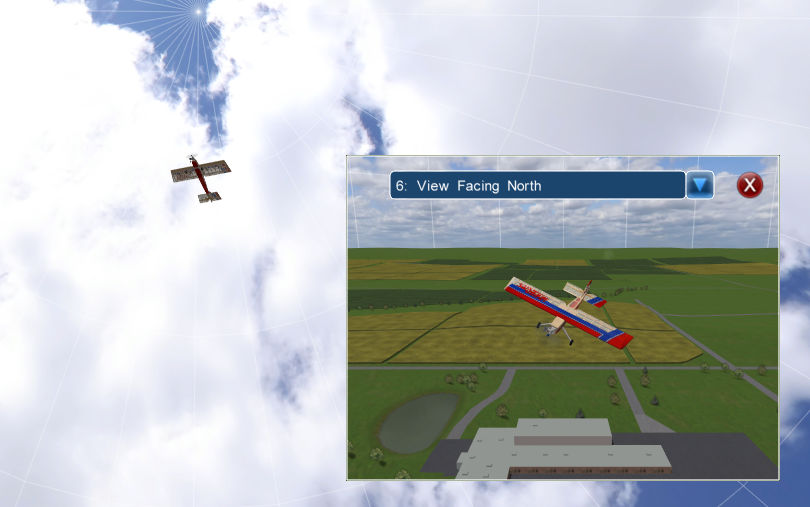
SeligSIM showing an aerobatic model in flight with a second camera view
Screenshot: © InertiaSoft, from the official SeligSIM manual.
Fully freeActively maintained

SeligSIM 2024.5

The strongest free all-round simulator in this list, with a focus on accurate aerodynamics and an exceptionally broad aircraft library.

Current version
2024.5b / v18.4; manual updated May 2026
Platforms
native Windows; macOS and Linux via VM or Wine/CrossOver according to the publisher
Content
140+ aircraft/variants and 35+ flying sites
Community
small but active specialist community, newsletter and video guides

Main advantages and USPs

  • detailed aerodynamics including stalls, spins, knife-edge and 3D manoeuvres
  • realistic ground reactions, landing-gear dynamics, damage and breakable parts
  • models from micro trainers to giants, warbirds, jets and sailplanes
  • 3D and 360-degree panorama sites plus more than 75 camera views
  • thermals, slope and dynamic soaring, winch/high-start and aerotowing
  • built-in lessons, recorder, two-pilot split screen and pylon racing
  • Scaling Wizard for physically consistent custom aircraft variants
MFTech USB Interface: compatible. SeligSIM explicitly supports practically any USB simulator controller or R/C transmitter. Axes are assigned through the free JoystickTools utility.
Get SeligSIM ↗

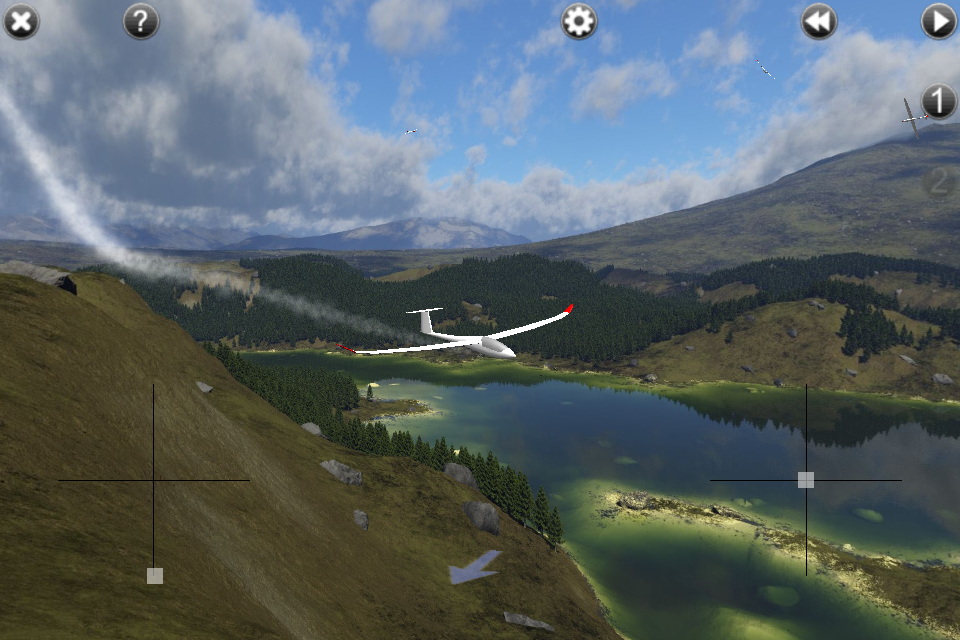
PicaSim showing a sailplane over a mountain lake
Screenshot: © Danny Chapman / Rowlhouse, from the official PicaSim gallery.
Fully freeDevelopment paused

PicaSim

Especially good for sailplanes, thermals and slope soaring. Its visuals are older, but the flight feel and wind simulation remain convincing.

Current version
1.1.1085; Windows 2019, Android package 2023
Platforms
Windows, Android and iOS; Android 14 requires a workaround
Content
43 included aircraft/variants, 18 sceneries and 3 skies
Community
active forum with many user-created aircraft and sceneries

Main advantages and USPs

  • very capable slope lift, thermal, turbulence and wind-shadow simulation
  • strong sailplane focus plus powered aircraft, jet, quadcopter and control-line plane
  • 3D landscapes and photographic panoramas for varied conditions
  • winch/high-start, variometer, auto zoom and AI companion aircraft
  • extensive aircraft, scenery, aerodynamics and controller-mix customisation
  • modest hardware needs and fast loading, even on older computers
  • no advertising; all current versions are offered free by the developer
MFTech USB Interface: compatible on Windows. PicaSim can calibrate any joystick, gamepad or R/C transmitter connected through an interface. Mobile use additionally depends on USB OTG and the device’s HID support.

Get PicaSim ↗

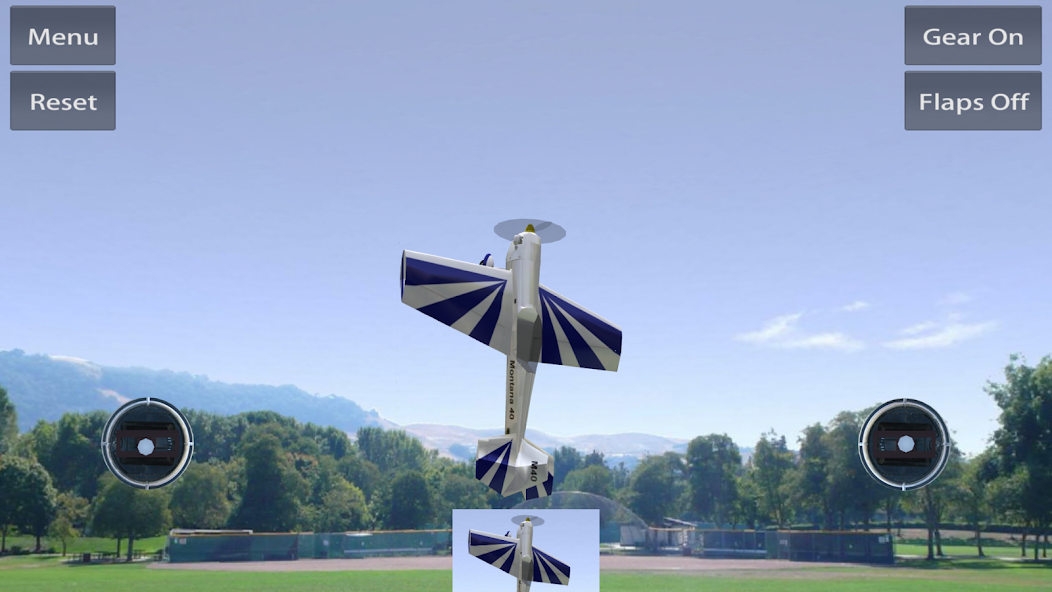
Absolute RC showing a 3D aerobatic model over an R/C flying field
Screenshot: © Happy Bytes LLC, from the official Google Play listing.
Restricted free tierActive · 2025/2026

Absolute RC

The most modern cross-platform option here. It runs directly in a browser, but its free tier is limited to starter models and a daily flight allowance.

Free content
starter pack, selected fields, full physics, daily time limit
Platforms
Windows, macOS, Linux, ChromeOS, iOS and Android in a browser
Full catalogue
316 planes, 91 helicopters and 49 fields; most require payment
Community
10M+ mobile downloads claimed; Android app updated in 2025

Main advantages and USPs

  • runs in current browsers without a download on nearly every platform
  • 100 Hz rigid-body physics with aerodynamics, ground handling and crash dynamics
  • real flying fields with adjustable wind, gusts and thermals
  • large full catalogue of trainers, sailplanes, jets, 3D aircraft, helicopters and drones
  • fixed pilot, chase and assistance views for beginners
  • touch, keyboard, gamepad and real USB R/C transmitters supported
  • an actively developed commercial service with current browser and mobile releases
MFTech USB Interface: compatible on desktop systems. Absolute RC accepts any device the operating system recognises as a game controller. The free browser tier lists “gamepad”; availability of every input method may change by plan.

Start Absolute RC free ↗

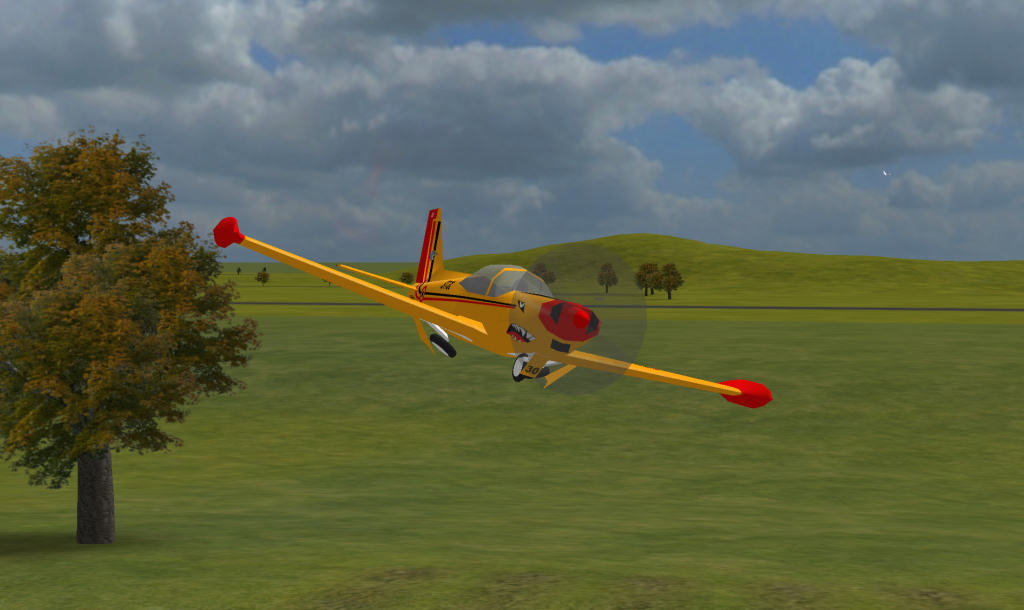
CRRCSim showing a yellow aerobatic aircraft in a low pass
Screenshot from the CRRCSim project information; program licensed under GPLv2.
Free · Open sourceLegacy · 2016

CRRCSim

A technical open-source simulator with good aerodynamics, particularly for sailplanes, slope and thermal flying; the visuals are clearly dated.

Current version
0.9.13, released 10 April 2016
Platforms
Windows, macOS and Linux; Linux packages remain available
Content
about 20 base models plus add-on aircraft and sceneries
Community
small open-source niche with continuing downloads

Main advantages and USPs

  • GPLv2 open-source software without account or proprietary dongle
  • geometry-based flight model with realistic stall behaviour
  • capable thermal, slope-wind and turbulence models including MIL-HDBK gusts
  • powered aircraft, sailplanes, flying wings, helicopter and multicopter
  • F3F and F3A modes, slow motion and smart camera
  • custom XML aircraft, mixers, flying sites and add-on packages
  • low hardware requirements and true multi-platform support
MFTech USB Interface: compatible. CRRCSim supports joysticks with up to eight axes and R/C transmitters as input devices. On Linux, explicit permission for the joystick device may be required.

Get CRRCSim ↗

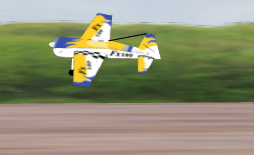
R/C Desk Pilot showing a yellow and red powered model in flight over a field
Screenshot: R/C Desk Pilot, from the official project site; source code under GPLv3.
Free · Open sourceLegacy · 2017

R/C Desk Pilot

A compact Windows simulator with accessible controls, open editors and a traditional flying-field view; now mainly a legacy recommendation.

Current version
0.2.2; source last updated June 2017
Platforms
Windows with DirectX 9
Content
10 bundled aircraft in the source package; community add-ons possible
Community
small and mostly inactive; source and installer remain available

Main advantages and USPs

  • fully free and published as GPLv3 source code
  • straightforward operation and modest storage/hardware requirements
  • trainers, aerobatic aircraft, warbird, sailplane and other basic types included
  • R/C pilot view, wind and an accessible model for basic training
  • separate aircraft and scenery editors in the source project
  • open API as a foundation for custom extensions
  • analogue game controller or real R/C transmitter explicitly recommended
MFTech USB Interface: compatible. The project explicitly recommends an analogue joypad or an R/C transmitter connected to the PC. Windows 10/11 may require DirectX 9 components or compatibility settings.

Get R/C Desk Pilot ↗

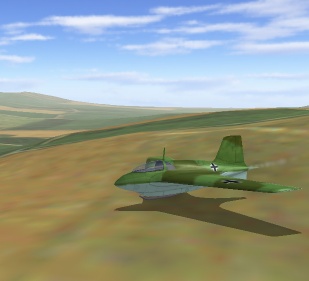
FMS Flying Model Simulator showing a Me 163 in flight
Screenshot: © 2000–2004 Roman & Michael Möller, from the official FMS site.
FreewareHistorical classic

FMS – Flying Model Simulator

The familiar free classic. It can still teach basic orientation, but is technically and visually obsolete and unreliable on current Windows releases.

Last version
2.0 Alpha 8.5 / Beta 7 from the Windows 95/XP era
Platforms
officially Windows 95 to XP; Windows 10/11 only with workarounds
Content
20 models on the official Beta 7 page; a large historical add-on archive
Community
formerly very large, now mainly archives and retro users

Main advantages and USPs

  • small free download without an account or activation
  • simple interface and extremely low hardware requirements
  • planes, sailplanes and helicopters plus many third-party models
  • aircraft and landscapes can be added through open file formats
  • 18 interface languages and basic joystick calibration
  • historically widespread, so many old guides and add-ons remain online
  • a useful reference for legacy MFTech hardware and existing FMS installations
MFTech USB Interface: compatible if FMS itself runs. FMS accepts every joystick installed in Windows and was listed in MFTech’s original compatibility information. On Windows 10/11 the old simulator is the main risk, not the USB interface.

Official FMS site ↗

Further programsPredominantly commercial

Other simulators

Other currently available R/C flight simulators include:

MFTech USB Interface: conditionally compatible. The interface can also be used with these and other simulators if the respective program accepts a freely assignable standard USB joystick. Before purchasing, check whether the simulator supports generic USB HID joysticks or requires a proprietary controller or dongle.